

Planning to attend the World Cup? Don’t let gridlock ruin your game day. Navigating across three massive countries means dealing with unprecedented traffic in World Cup cities, which can completely throw off your schedule if you don’t plan ahead. Missing the opening whistle because you are stuck on a gridlocked highway is a nightmare, yes, but one that every fan can avoid now, with the right tool.
Getting from your hotel to the stadium or catching an international flight? Fortunately, you do not have to guess which lanes are open or where the local police checkpoints are set up. Use crowdsourced intelligence to beat the crowds, avoid costly parking traps, and ensure your group makes it to the fan zones safely. Read ahead.

How to avoid traffic in World Cup cities using technology?
When it comes to outsmarting the traffic in World Cup cities, traditional static GPS applications can be quite useless.
Since stadium zones turn into unpredictable bottlenecks hours before kickoff, our old buddy simply cannot keep up with real-time human reality on the asphalt.
With over 140 million users worldwide, Waze (Android | iOS) turns every single driver into a live traffic scout, with instantaneous alerts for police, accidents, and hazard blocks, which is critical given the volume of traffic in World Cup cities.
During an international tournament of this scale, community-driven updates for unexpected road blocks mean you get to reroute instructions the second a street near the arena is locked down.
Step-by-step: how to download the offline map from Waze
To navigate the intense traffic in World Cup cities without losing your connection, caching your route is a mandatory survival move.
While Waze does not feature a permanent download button for complete offline regions like some offline tools, it allows you to cache your upcoming trip variables ahead of time.
Step 1: connect to a stable network
Open the app on your Android or iOS while you are still connected to your hotel Wi-Fi or a reliable local network. Connecting to a stable network ensures you can load map assets before hitting the heavy traffic in World Cup cities.
If you struggle to find data while traveling, you can learn how to find WiFi anywhere to secure a safe connection.
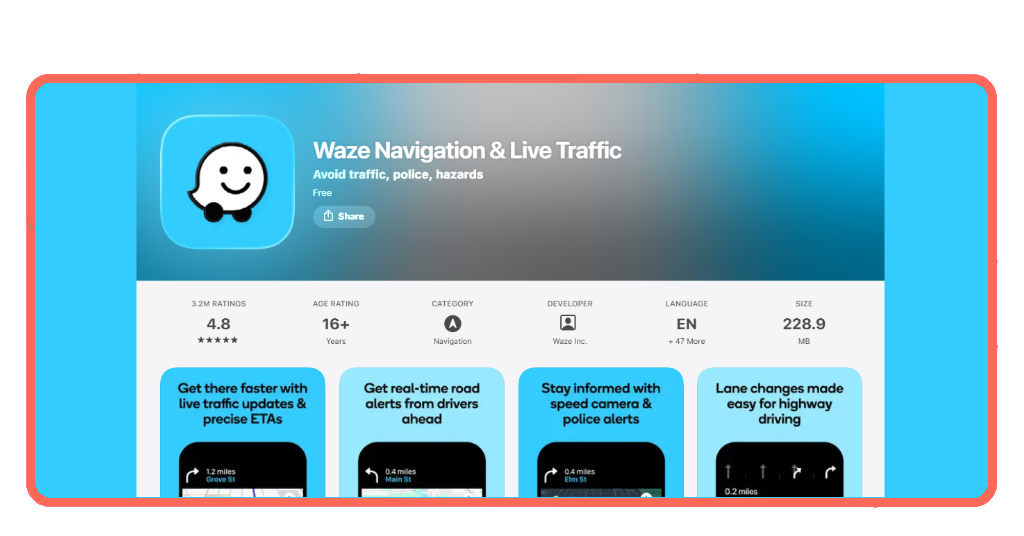
Step 2: input your stadium destination
Type the name of the stadium or host city destination into the ‘Where to?’ search bar. Allow the app to calculate all available alternative routes based on current conditions.
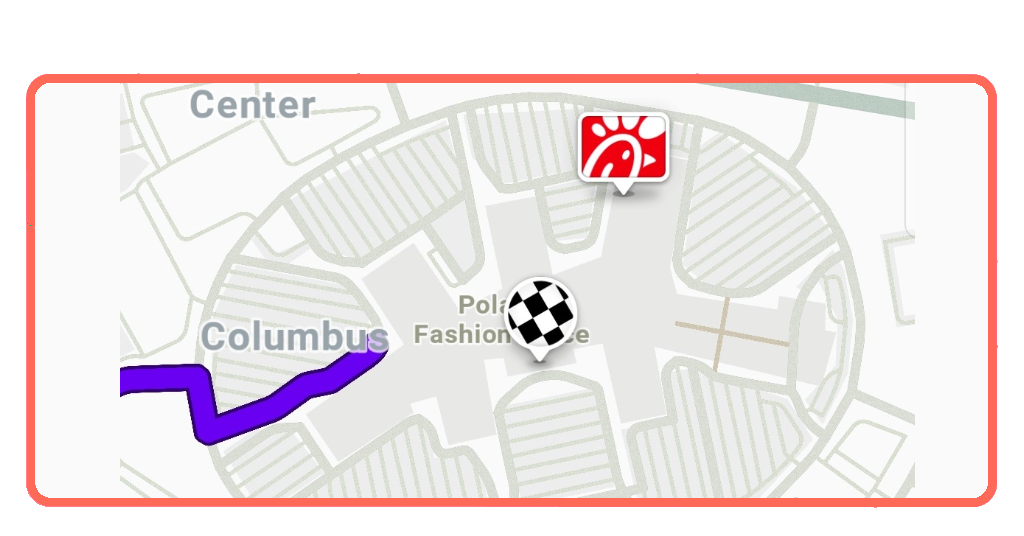
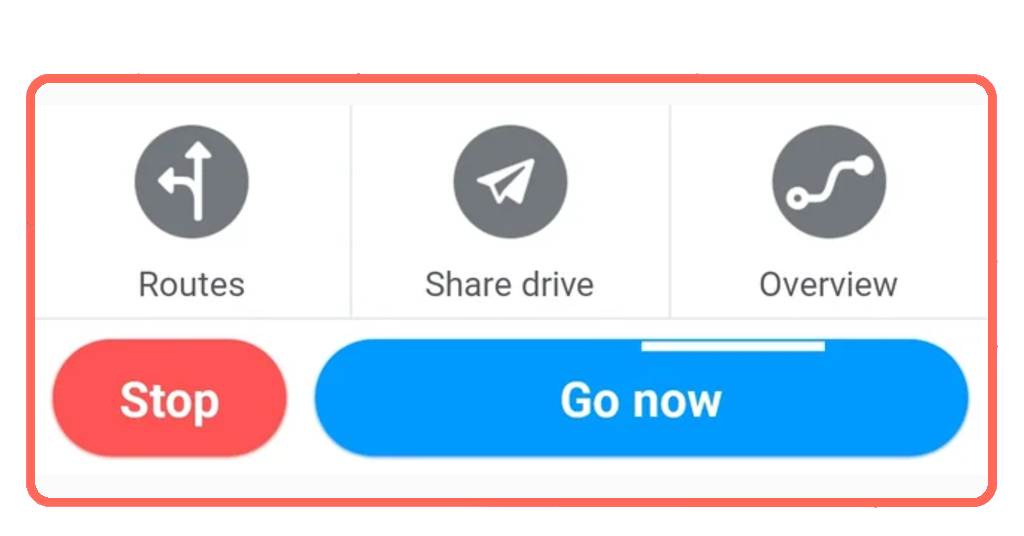
Step 3: tap ‘Go Now’ to lock the cache
Select your preferred route and tap ‘Go Now’. Keep the app running in the foreground or background without fully closing it; this caches the map data along your route.
You can now drive even if your cell signal drops. The app will guide you using the cached map, though note that you will temporarily lose live hazard updates until you reconnect.
Best features for tracking local traffic
Waze comes with layers designed to minimize the impact of traffic in World Cup cities on your vacation budget.
The ‘Planned Drives’ tool, for example, lets you view historical data patterns so you don’t get trapped by the worst midday traffic in World Cup cities.
Furthermore, you can view up-to-date regional info by checking the official FIFA Host Cities Map to see exactly where official fan shuttle lines and pedestrian-only streets are operating.
If you are crossing borders between the United States, Canada, and Mexico to follow your favorite national team, managing airport gridlock is just as critical as road navigation.
Speeding up your airport entry lines via Mobile Passport Control plus active ground traffic tracking helps ensure you don’t miss a tight flight window between host destinations.
Specific road closures catching drivers off guard
If you think you can simply wing it, the historic traffic in World Cup cities is about to teach you a very expensive lesson in structural logistics.
Because these venues are morphing into high-security international zones, standard grid patterns are rewriting themselves overnight.
Several major host cities have already deployed infrastructure alterations that are catching unmapped drivers off guard:
- Dallas / Arlington Corridor: traffic authorities have fully closed Griffin Street between Canton Street and Ceremonial Drive from late May all the way until July 23, 2026, to clear space for the International Broadcast Center;
- San Francisco Bay Area (Santa Clara): on match days, city officials are implementing strict multi-phase lockouts, shutting down major arteries like Tasman Drive and Calle Del Sol to regular vehicles, while closing down the San Tomas Creek Trail in front of the stadium to both cyclists and pedestrians;
- Toronto Metro Region: The local transit framework is banking on roughly 70% of all stadium attendees traveling strictly via public transit lines.
Frequently asked questions about alternative routes and road alerts
We already saw how getting around World Cup host cities can be challenging, especially if we consider how quickly traffic patterns can change on match days.
Below, we highlight answers to some common questions about rerouting, road closures, and features that can help drivers avoid delays.
Will the app reroute me automatically if a road closes during the match?▾
Yes. As long as you have an active cellular data connection, the engine will detect sudden slow-downs or safety barricades and calculate a faster detour around the obstacle.
Does the app account for pedestrian-heavy traffic in World Cup cities on match days?▾
Yes, because Waze relies on active user data, if thousands of fans walking across a designated crosswalk slow down vehicle speeds to less than 2 mph, the system registers the delay and warns incoming drivers.
Can I use the app directly on my rental car’s dashboard screen?▾
Absolutely. The app integrates with both Apple CarPlay and Android Auto, so you get to view large-scale maps, lane guidance, and local road hazard warnings right on your vehicle’s display.
Missing kickoff is a yellow card
Surrendering your route planning to a community-sourced algorithm like Waze means you are letting millions of other drivers test the traffic waters ahead of you so you don’t have to suffer the consequences.
Preload your travel maps before leaving the hotel lobby, pay close attention to real-time police hazard markers, and give yourself double the travel time you think you actually need.
And if you need more help with your 2026 World Cup trip, make sure you pass by at Tripiefly.